◈
Accurate by construction
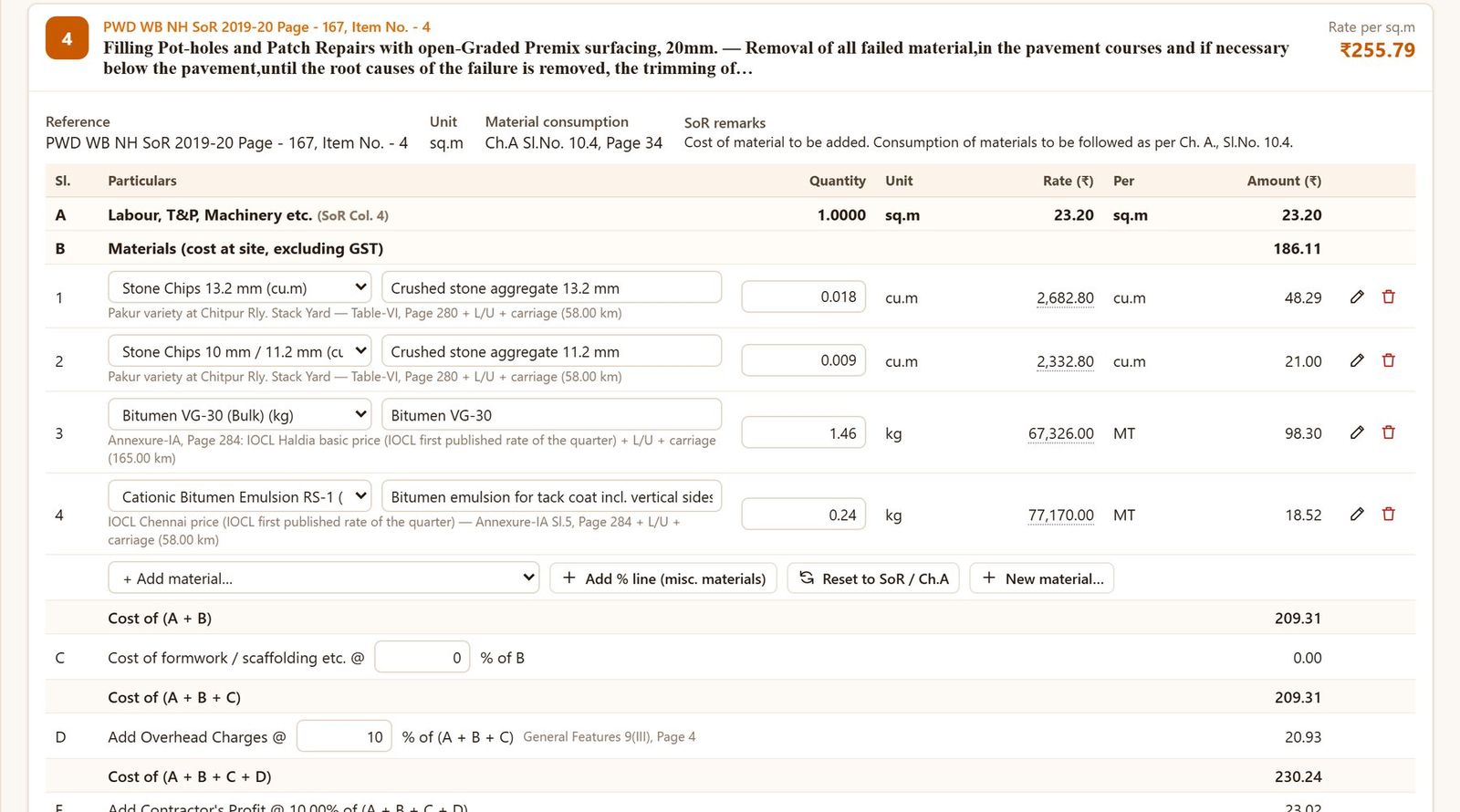
Rates are derived exactly as the SoR prescribes — labour & machinery, Chapter-A materials, carriage slabs, overheads, profit and cess. The NH sample estimate reproduces every published rate.
Rapid BOQ prepares complete Detailed Estimates with Rate Analysis on the PWD WB NH SoR 2019-20, WBSRDA SoR 2019 and CPWD DSR 2023 — measurements, materials & leads, analysis, Abstract of Cost and Schedule of Quantities / BoQ — and then the contractor's First & Final and Running Account Bills, in the formats your office already uses.
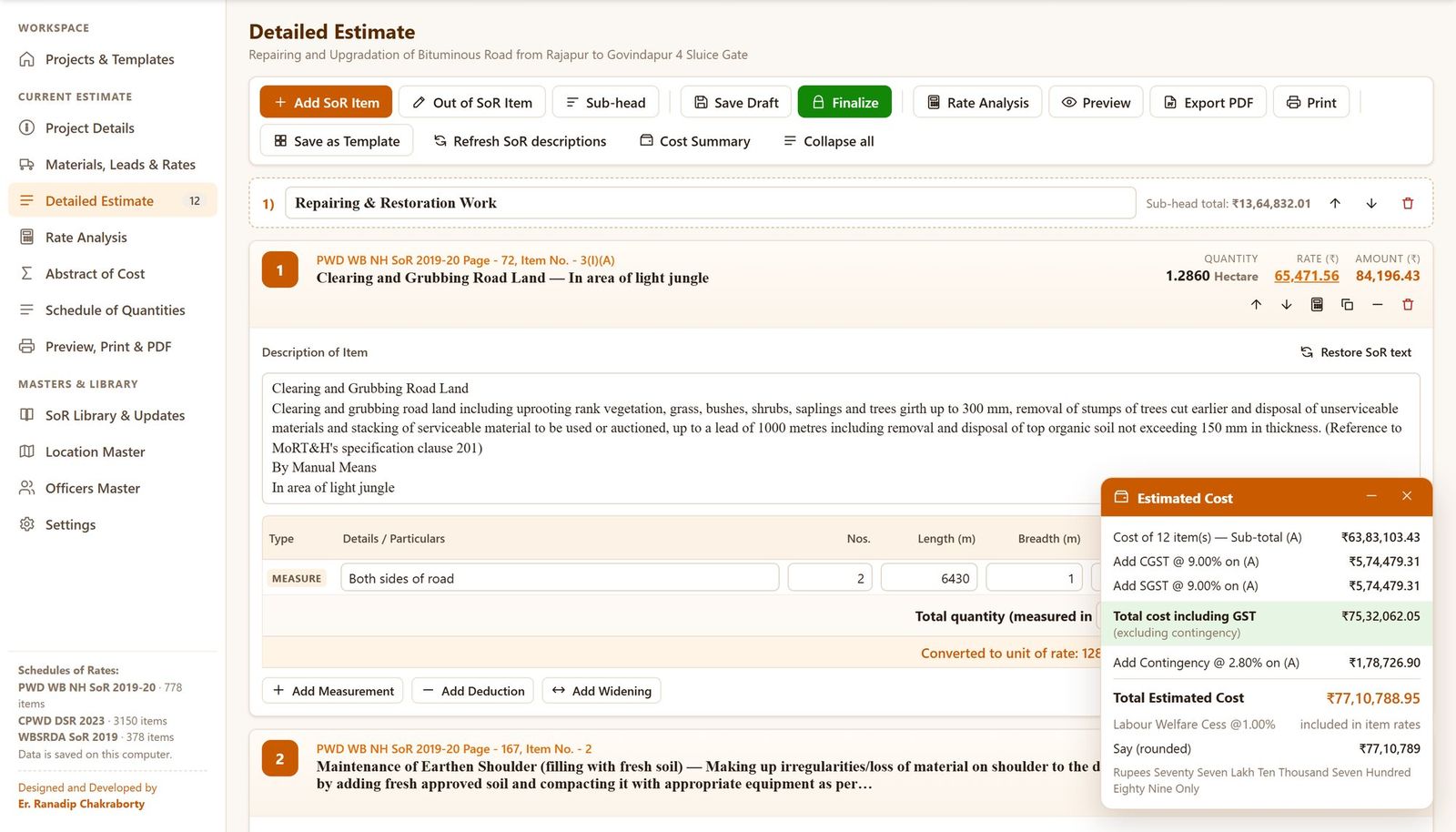
Choose the type of work, add SoR items from a searchable library, enter measurements with arithmetic, set the sources and leads of materials — Rapid BOQ builds every rate from the Schedule's own methodology and keeps the Abstract of Cost current as you type. When the work is executed, the same estimate becomes the bill schedule: tick the items, enter the measured quantities and print the First & Final Bill or the next Running Account Bill.
Built for Junior and Assistant Engineers who prepare road, culvert and building estimates every week — with or without a senior colleague to check the analysis.
Rates are derived exactly as the SoR prescribes — labour & machinery, Chapter-A materials, carriage slabs, overheads, profit and cess. The NH sample estimate reproduces every published rate.
A4 portrait, Times New Roman, C/O – B/F, amounts in words with Indian digit grouping, Analysis of Rates, Form 24 and P.W. Accounts Form 27 bills — and signature blocks chosen by the amount of the estimate.
Each engineer has a private workspace. Estimates and bills are never shared with other users and are never deleted when a subscription ends.
PWD WB NH SoR 2019-20 (778 items), WBSRDA SoR 2019 (378) and CPWD DSR 2023 with DAR and correction slips (3,150).
Item-wise analysis in the SoR's own methodology, editable line by line with recorded justification.
Stack yards, quarries, refineries and depots with surfaced / unsurfaced / katcha leads; hill and island additions.
Nos × L × B × H with arithmetic, deductions, widening, unit conversion (Hectare, km, MT) printed as in the SoR.
CGST, SGST, Labour Welfare Cess, contingency, CPWD Cost Index — rounded, and in words.
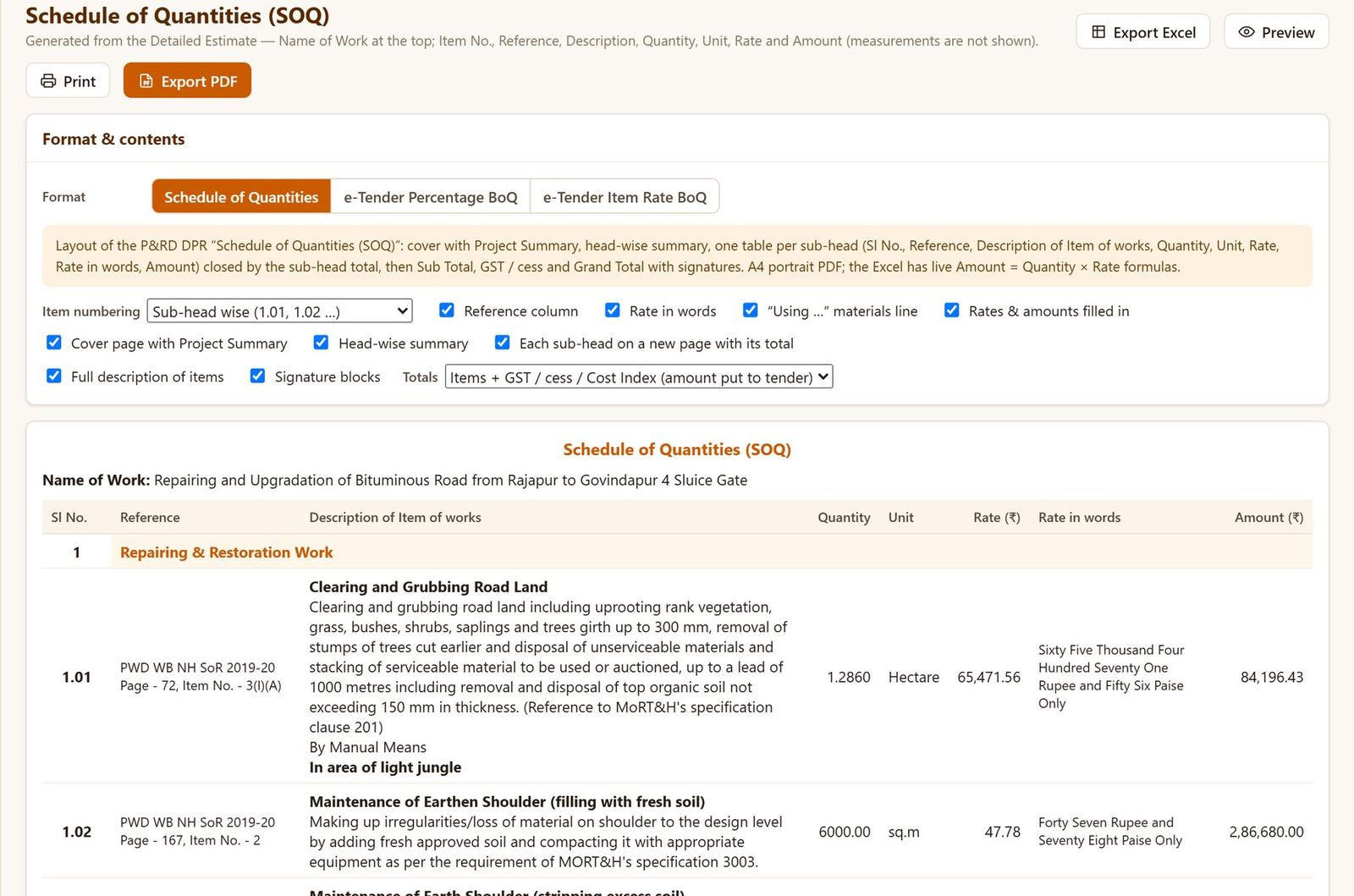
P&RD DPR layout with Project Summary, plus e-Tender Percentage and Item-Rate BoQ formats.
Save a finished estimate as a template and start the next similar work in minutes.
Print-ready, paginated PDF of the full estimate — personalised and protected for your account.
Form 24 straight from the estimate: Tender Schedule item numbers, rates and descriptions taken over — no re-typing.
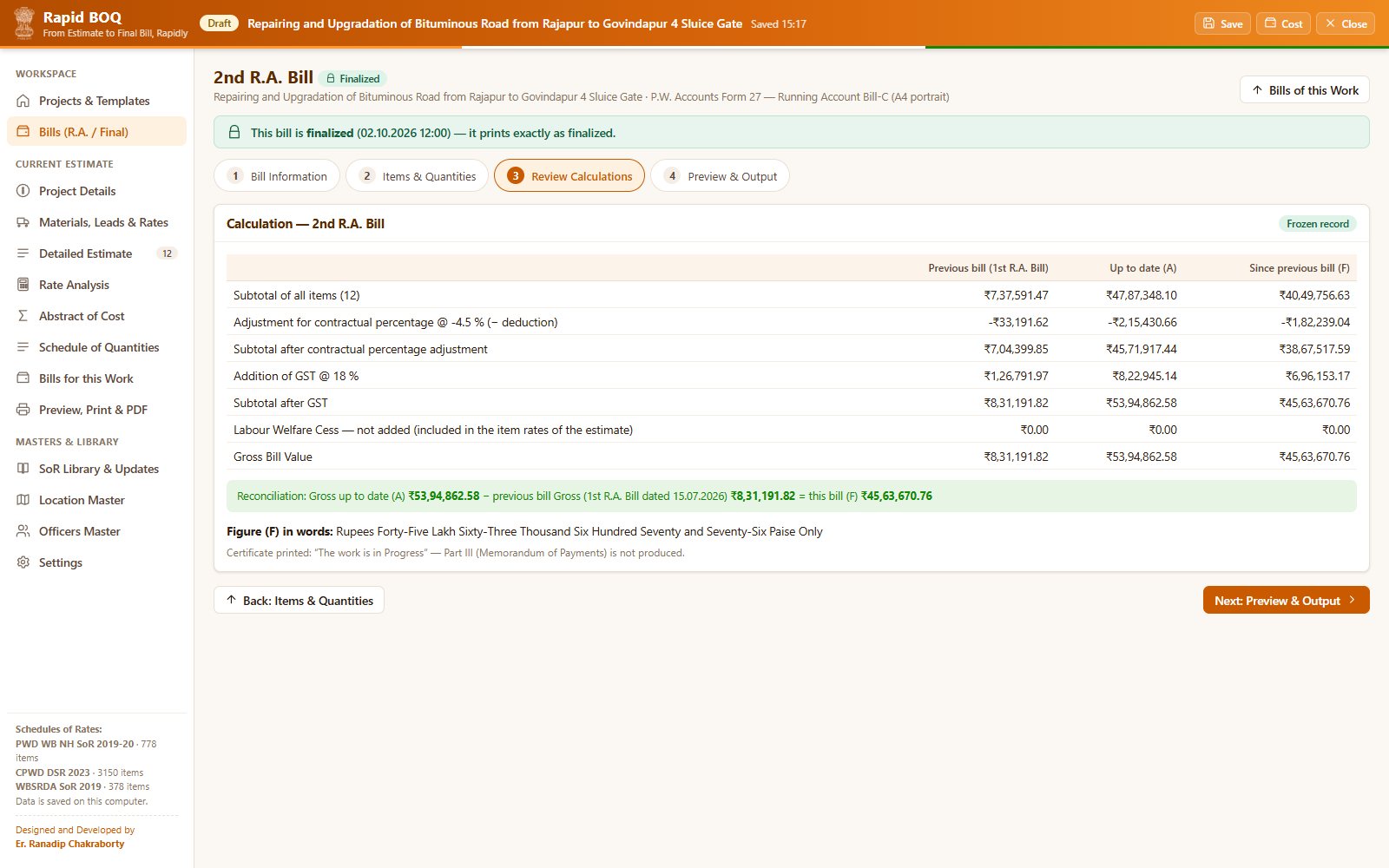
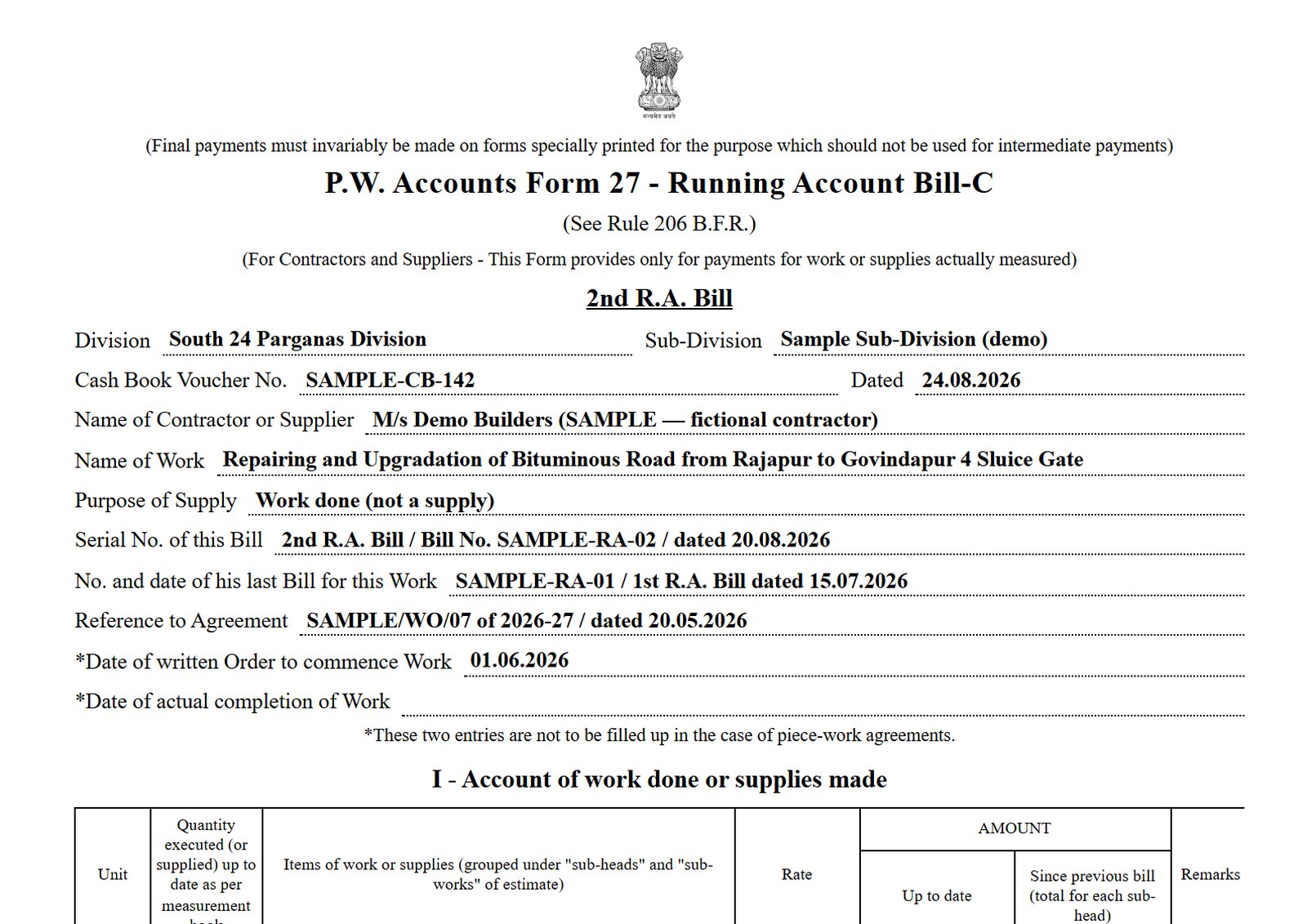
P.W. Accounts Form 27 — 1st, 2nd … R.A. & Final Bill with cumulative quantities, “since previous” and reconciliation done for you.
Estimate prepared elsewhere? Pick items from the SoR catalogue, enter the agreement rates and bill it the same way.
Decide in Settings which signature blocks — Prepared, Checked & Forwarded, Recommended, Technically Approved — appear for each range of cost.
Name of work, office, fund, location down to GP / ward, road stretches and officers.
Sources and leads of stone, sand, bitumen, cement and steel; current bitumen prices.
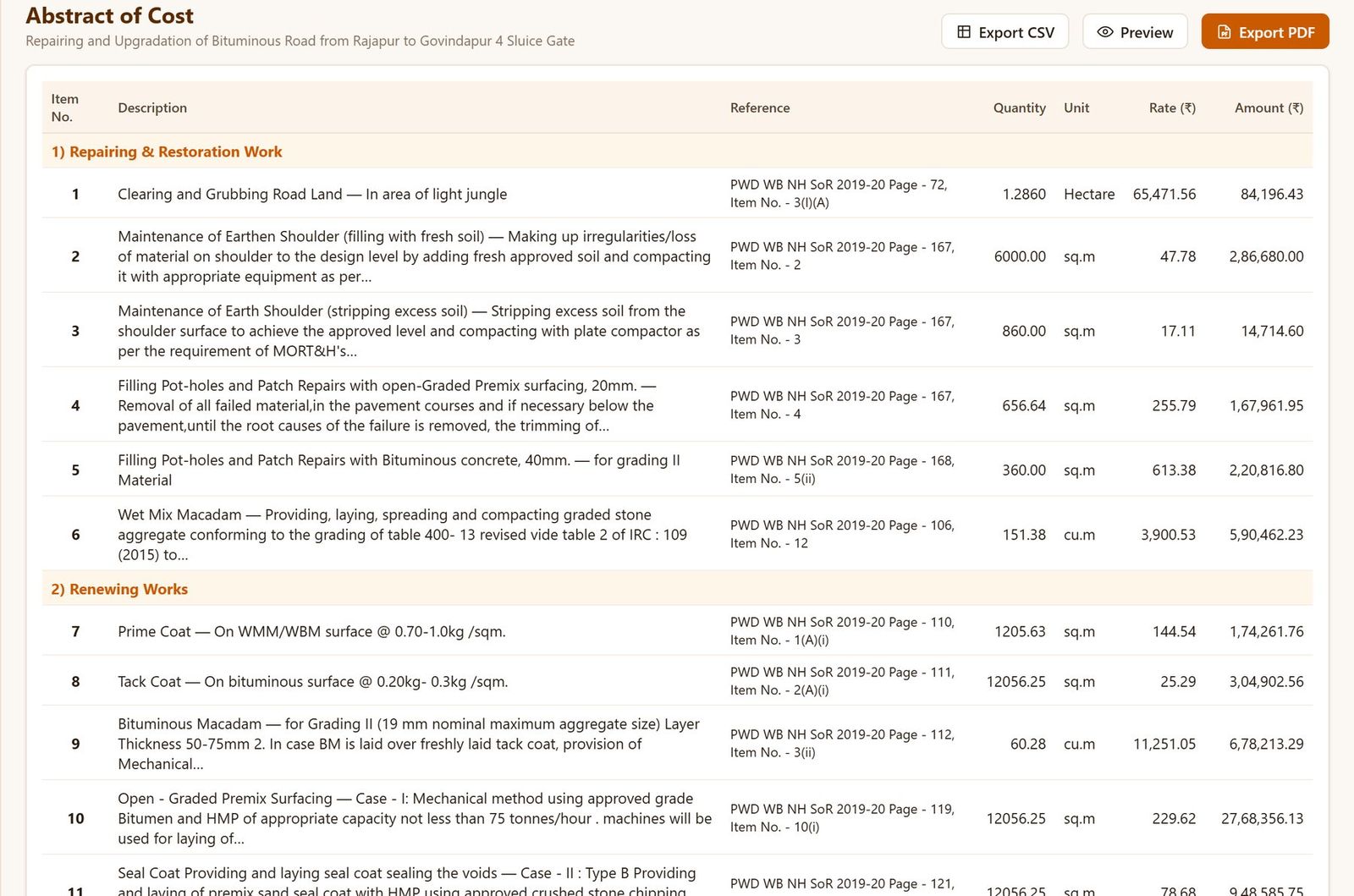
Pick SoR items by chapter or search, then measure with deductions and widening.
Rates are analysed automatically; the Abstract of Cost updates live.
Cover, estimate, abstract, analysis and material rates in one A4 document.
First & Final or R.A. bills from the same estimate — previous bill read automatically, Form 24 / Form 27 ready to sign.
Rapid BOQ is built with defence in depth. We don't promise the impossible — we apply the protections serious software should.
About ₹100 a day — less than an hour of your time.
Reminders begin seven days before your subscription ends. After expiry, a seven-day grace period lets you view and download your estimates and bills as PDF. Renew early and your remaining days carry forward.
PWD WB NH SoR 2019-20 (Road & Bridge Works), WBSRDA SoR 2019 (PMGSY rural roads & culverts) and CPWD DSR 2023 with the Delhi Analysis of Rates and correction slips, adjusted by the CPWD Cost Index — for buildings and other works as directed by the Government of West Bengal.
No. Rapid BOQ online runs in a modern browser (Chrome, Edge, Firefox or Safari) on a computer. A large screen is recommended for comfortable estimating.
Yes. From any estimate choose Create Bill: the First & Final Bill (Form 24) or the 1st, 2nd … R.A. Bill and the R.A. & Final Bill (P.W. Accounts Form 27, Parts I and II). You enter the cumulative quantities measured; the quantities and amounts since the previous bill, the contractual percentage, GST and Labour Welfare Cess (as applicable to the estimate) and the amount in words are worked out for you. Finalized bills are frozen exactly as passed.
Yes. Create the work, pick the items from the SoR catalogue (or type them), enter the Tender Schedule item numbers and the agreement rates — then prepare the bills as usual.
No. Every estimate and bill belongs to your account only, and the server checks ownership on every request.
As a protected, print-ready PDF — personalised for your account. Editable spreadsheet formats are not provided in the online service.
You receive reminders from seven days before expiry. After expiry a seven-day grace period lets you sign in, view your estimates and bills and download them as PDF. Then the account is locked — but your estimates and bills are never deleted, and everything returns as soon as you renew.
Manually, against our bank statement, after you submit the UPI transaction ID / UTR number. You are notified by e-mail when the account is activated.
No. Rapid BOQ is independent software that follows the published Schedules of Rates and the P.W. Accounts forms. Estimates and bills must be checked, sanctioned and passed by the competent authority as usual.
Questions about the subscription, a rate or a format? Write to us — we usually reply the same working day.